

Submitting Your Work For Participation Credit
Complete the following instructions in the submission box at the end of this page.
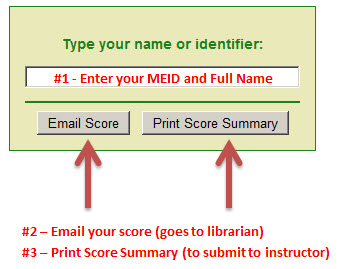
- Enter your MEID and Full Name in the blank box
- Click on 'Email Score' (score will be emailed to librarian)
- Click on 'Print Score Summary' and then print out the summary report to submit to your instructor
Best Browsers
The best browsers to use for the tutorials are Firefox and Explorer 8 and above. It seems that the score summary (completion certificate) does not load properly when in Chrome.
After finishing this lesson, complete the form below:
